Running the Task Sequence
Now lets see this run. I tend to use Hyper-V in my environment for many reasons, but feel to use what you want.
Once you PxE boot the device you will need to click enter a few times till the Boot file loads

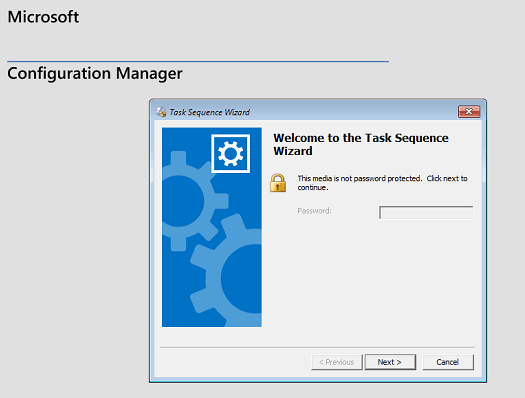
Next once it loads you will be presented with the following screen, click next
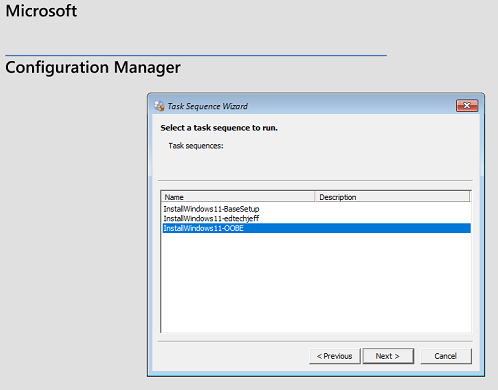
You will see the list of Task Sequences, click on the one you want and click next.
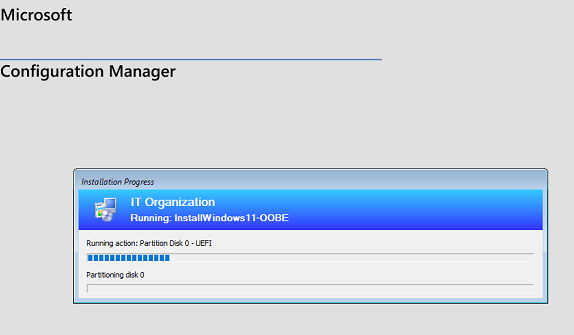
it will step through all the steps and do the install
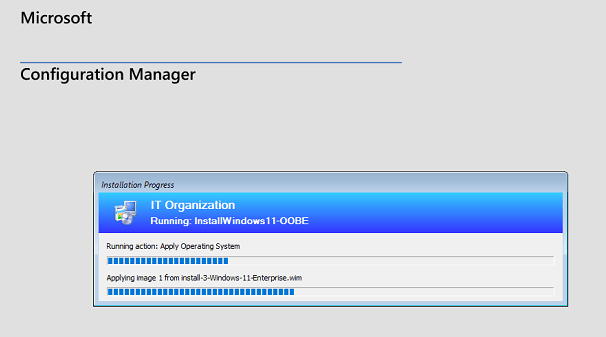
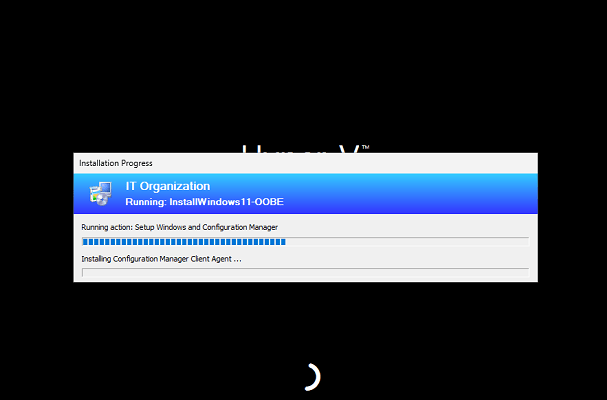
Once it is done, it will turn off,
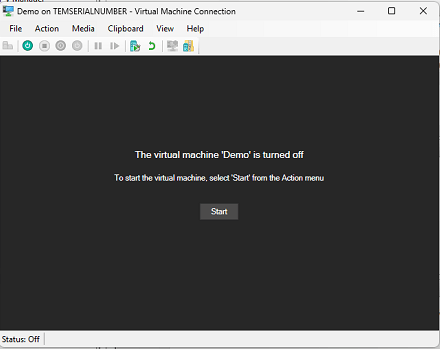
Now lets turn it on and see the results. Now we see that the desktop has come up and is ready for OOBE

For the record Config Manager can do way more than this and is great to work with. My goals for myself and my customer is to move beyond on-prem services and move to the cloud. With so many clients working from home it just makes sense to me. I hope you enjoyed this posting and did help you out. Till next time.
 Ed_Tech_Jeff
One thought on “Config Manager Imaging Part 5”