Deploying the Task Sequence
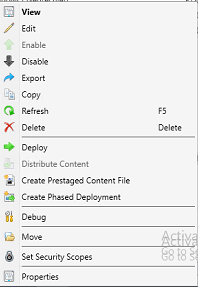
Right click the task sequence and then click Deploy
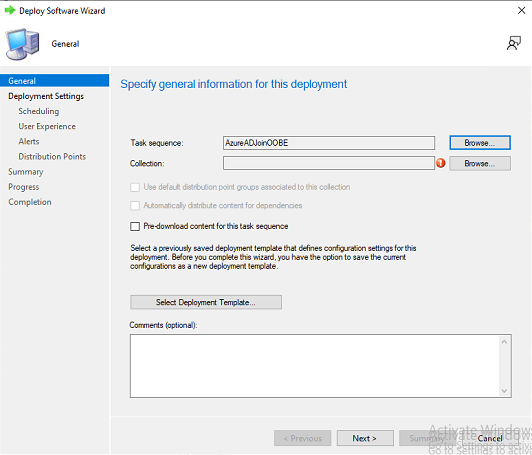
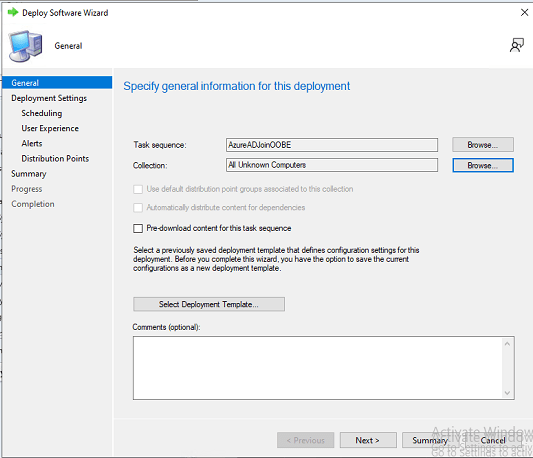
Click on Browse on next to collection.
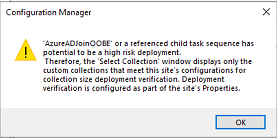
This box always comes up, just click OK
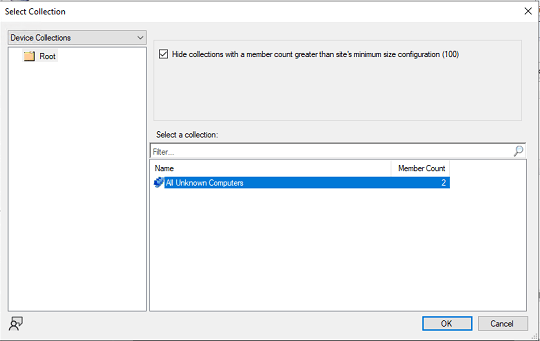
Since this setup is only for only imaging clients only group or collctions you will see is All Unknown Computers. Click OK
Click Next
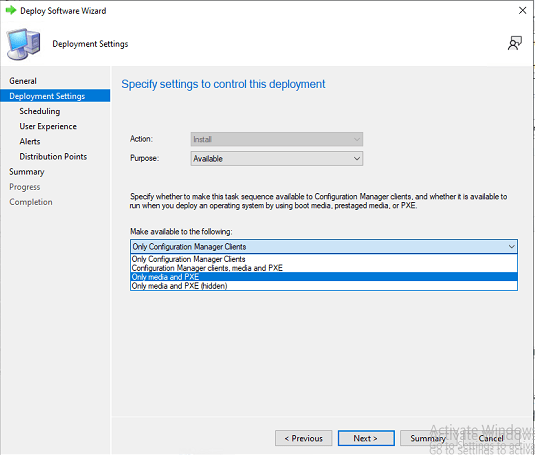
Click under Make Available to the following. Select Only Media and PXE, click NEXT
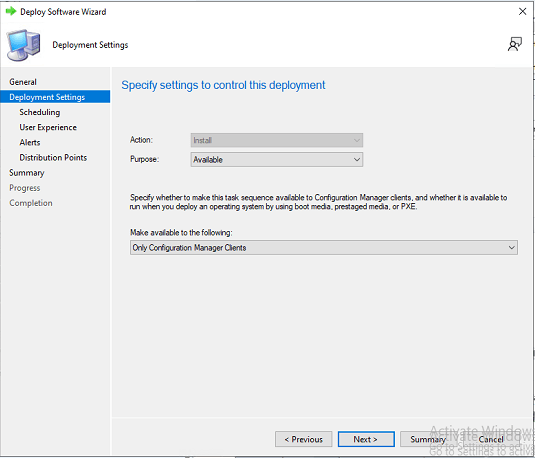
Click Summary
Click Next
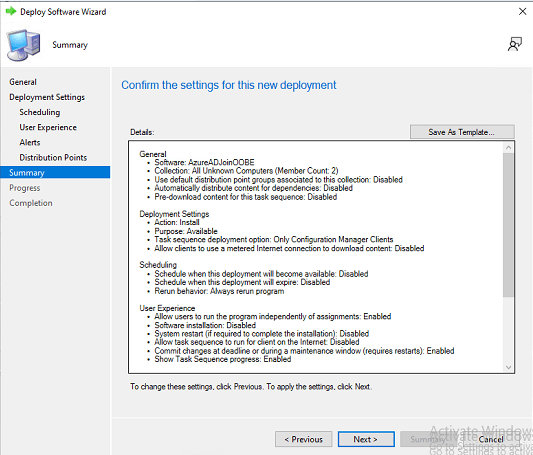
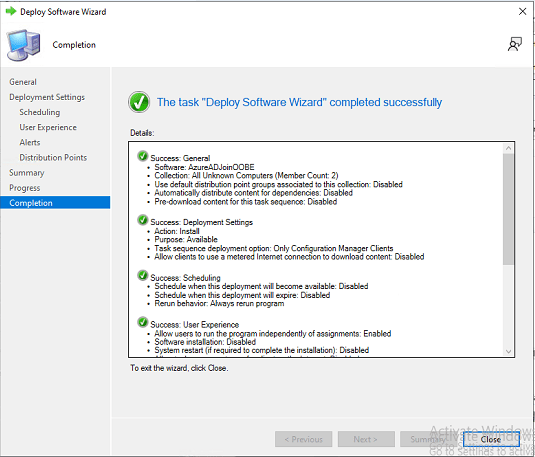
Click Close
More to come.. watching it run
 Ed_Tech_Jeff
One thought on “Config Manager Imaging Part 4”